
Platform feature 1 of 6
Scan & order
QR menus and a live digital tab for every table.
The problem
Guests wait for a menu, wait for a waiter, then lose track of what they ordered. Paper menus are expensive to reprint when prices change.
Our thinking
Every table carries a TabTrack QR card. Scanning opens the venue menu in the browser — no download needed — and starts a live digital tab tied to that table.
How it works
- QR card links to the venue, table number and live menu with photos and prices in TZS.
- Guest adds items; the order goes to the waiter for confirmation, avoiding prank orders.
- The tab stays open on the phone, updating as more rounds are added.
- Menu changes made by the manager appear instantly — no reprinting.
Sample user journey
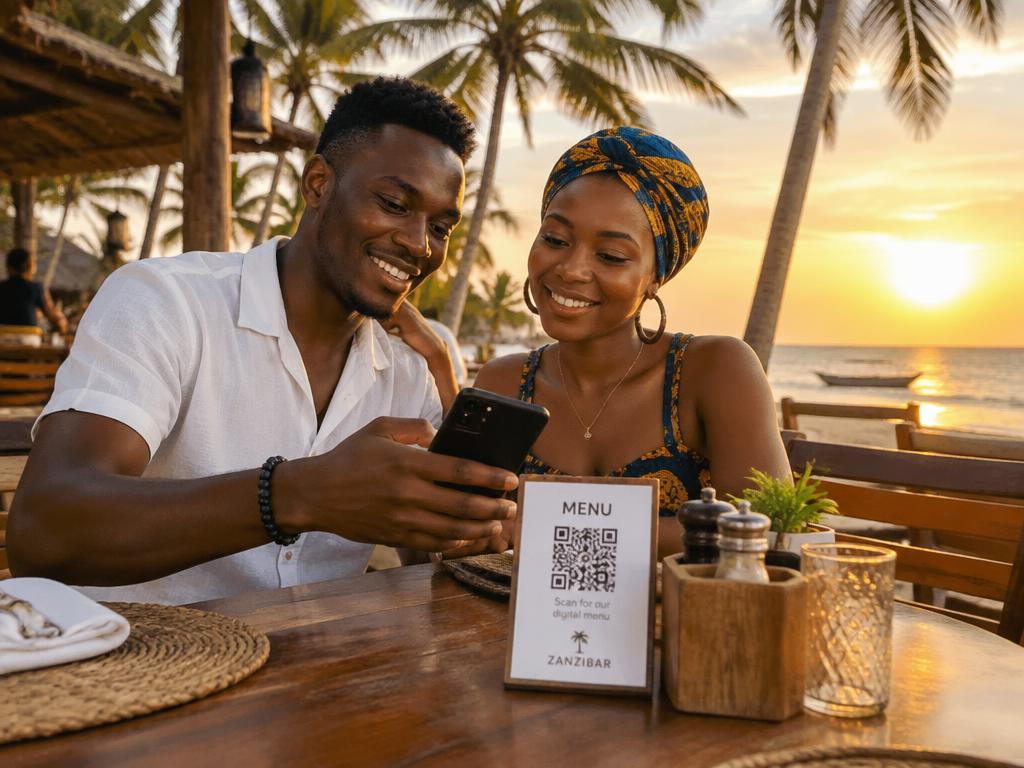
Amina and Joseph, a couple on a Friday evening at a beach restaurant in Zanzibar.
- 1
Arrive & sit
They sit and see the QR card on the table.
The thought: No need to wave down a busy waiter just to see the menu.
- 2
Scan
Amina scans with her phone camera; the menu opens in seconds.
The thought: No app to install — this must be effortless on any phone and slow data.
- 3
Browse & order
They pick grilled fish and two juices; the waiter confirms on his tablet.
The thought: Photos and clear prices remove the fear of a surprise bill.
- 4
Track the tab
As they add dessert, the running total updates live.
The thought: Transparency builds trust — guests always know what they owe.
For the guest
Faster ordering, clear prices, a tab they can see anytime — free to use.
For the venue
Fewer missed orders, higher average spend from photo menus, no reprint costs.
How TabTrack earns
Included in the venue's TZS 100,000 monthly subscription.